Do you find yourself struggling to focus when working from home? Does your workspace feel more like a makeshift corner than a productivity hub? Have you ever wondered how much your desk, chair, and lighting really affect your motivation and efficiency?
In recent years, the home office has shifted from being a rare luxury to an essential part of everyday life. Whether you’re a remote worker, freelancer, or simply someone who enjoys a dedicated space for managing personal tasks, the right home office design can greatly influence your productivity and comfort. Creating an effective workspace isn’t just about buying a desk and chair—it’s about thoughtfully arranging your environment to support focus, creativity, and well-being.
Step 1: Choosing the Right Location
Before thinking about furniture or décor, start with location. Ideally, your home office should be in a quiet part of the house with good natural light. If you don’t have a separate room, carve out a dedicated zone in a bedroom, living room, or even a hallway niche. The key is to choose a space where distractions are minimal and boundaries are clear.
Natural light is not just good for mood—it can reduce eye strain and make your workspace feel more inviting. If possible, position your desk near a window, but avoid glare directly on your screen by angling your workstation slightly to the side.
Step 2: The Desk – Your Command Center
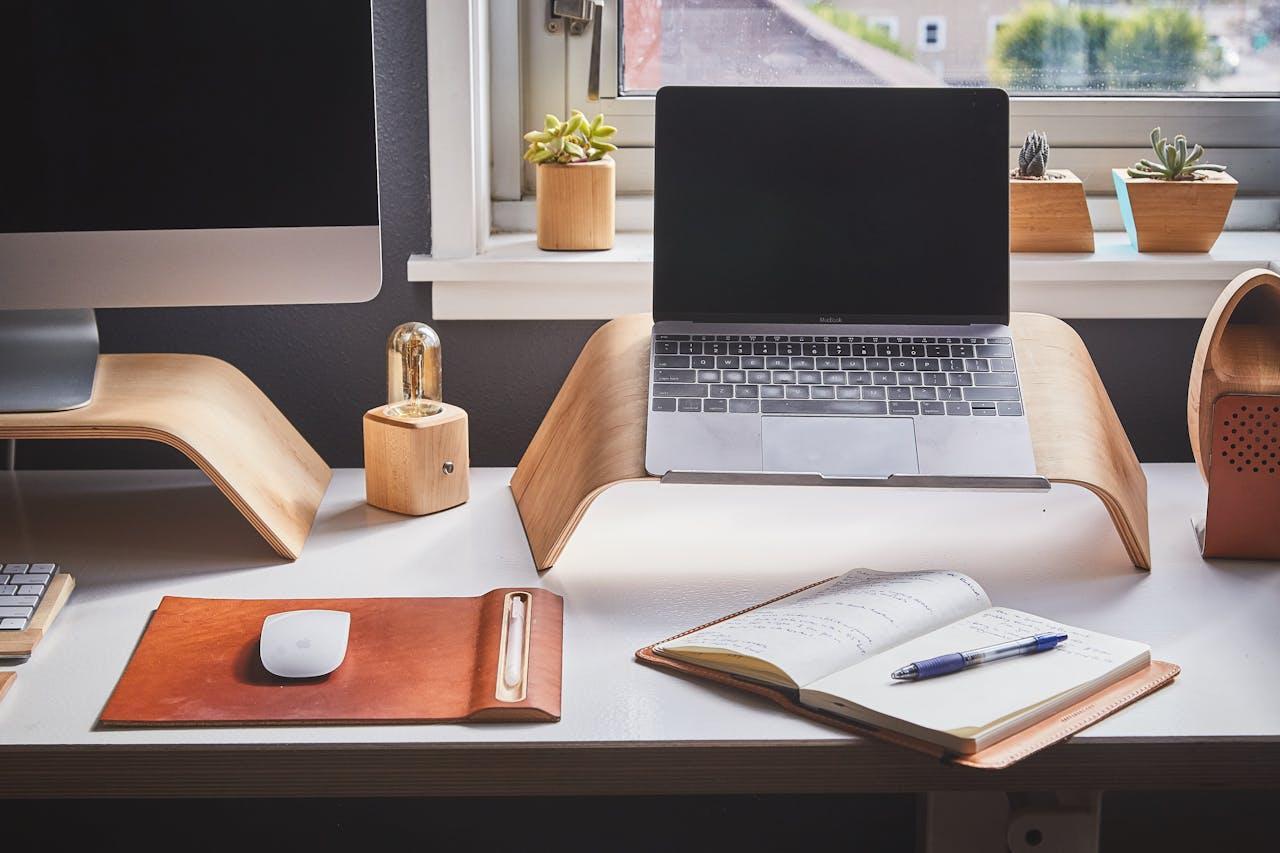
The desk is the centerpiece of any home office. Its size, style, and features will set the tone for the rest of the room. Consider the following when choosing a desk:
- Functionality: Do you need a large surface for spreading out documents, or is a compact writing desk sufficient?
- Storage: Built-in drawers or shelves can help reduce clutter, but if you prefer minimalism, a simple tabletop with separate storage units may work better.
- Ergonomics: The standard desk height is about 28–30 inches for most people, but adjustable desks—especially sit-stand models—allow for greater flexibility.
Material choice matters as well. Solid wood gives warmth and longevity, while glass or metal surfaces offer a sleek, modern feel. If your home has a particular style, match your desk to complement the existing aesthetic. For those seeking a truly unique centerpiece, commissioning a custom office desk Los Angeles–crafted can provide both high-quality craftsmanship and a design perfectly tailored to your space.
Step 3: The Chair – Comfort is Non-Negotiable
If there’s one item worth splurging on, it’s your office chair. You may spend hours in it each day, and a poor-quality chair can lead to back pain, posture issues, and fatigue.
Look for a chair with:
- Adjustable seat height and backrest
- Lumbar support
- Adequate cushioning
- Breathable upholstery (mesh is great for airflow)
If space is tight or your office doubles as another room, consider a stylish ergonomic chair that blends with your home décor rather than a bulky corporate-looking model.
Step 4: Storage and Organization
A cluttered workspace can be a mental burden. Incorporating storage solutions keeps your desk clear and your mind focused. Some options include:
- Shelving units for books, binders, and décor items
- Filing cabinets for important documents
- Storage ottomans or baskets for hiding away less-used items
- Pegboards or wall grids for keeping tools, notes, and accessories within reach
Vertical storage is especially helpful in small spaces—think tall bookcases or floating shelves.
Step 5: Lighting – Beyond the Overhead
Good lighting is essential for preventing eye strain and maintaining a pleasant environment. Layer your lighting to adapt to different tasks:
- Ambient lighting: General room light, often from ceiling fixtures.
- Task lighting: A desk lamp with adjustable arms for reading or detailed work.
- Accent lighting: Small lamps or LED strips to add warmth and depth to the room.
Warm light is generally better for relaxation, while cooler light helps maintain alertness during work hours.
Step 6: Technology and Cable Management
In a home office, your tech setup is just as important as your furniture. Invest in a quality monitor, keyboard, and mouse if you work on a computer for extended periods. A monitor arm can free up desk space and allow for optimal positioning.
Cable clutter is one of the most common aesthetic and practical issues in home offices. Use cable trays, clips, or even decorative boxes to keep cords neatly tucked away.
Step 7: Personalization and Atmosphere
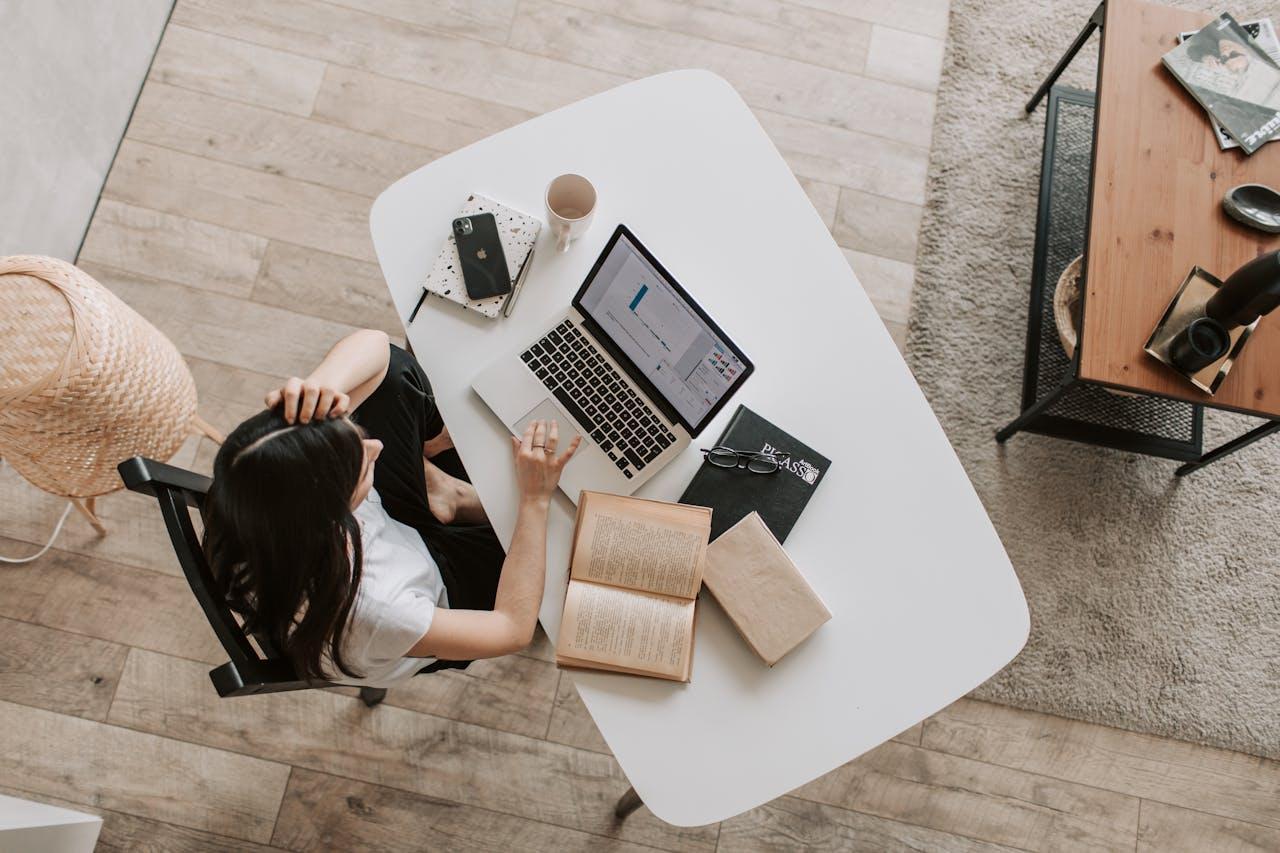
While function comes first, personality matters too. A bland office can sap your motivation, so add touches that inspire you. This could mean:
- Artwork or photography that makes you feel energized
- A color scheme that aligns with your mood goals—blues and greens for calm, yellows and oranges for energy
- Plants to improve air quality and bring a touch of nature indoors
Just be mindful not to over-decorate. Too many items can be distracting.
Step 8: Considering Multi-Purpose Needs
Not all home offices are single-use. Your space might double as a guest room, craft area, or even a workout corner. In these cases, choose flexible furniture:
- Foldable desks or wall-mounted drop-leaf tables
- Convertible sofas or daybeds
- Rolling storage carts that can be tucked away when not needed
This adaptability ensures you don’t feel cramped or forced to choose between work and other activities.
Step 9: Sound Control
Noise can be a major productivity killer, especially in busy households. To minimize distractions:
- Use rugs, curtains, and upholstered furniture to absorb sound
- Install a white noise machine or use noise-cancelling headphones
- Consider door seals or weatherstripping to block sound leakage
Even subtle noise reduction can make your workspace feel calmer and more private.
Step 10: Maintaining Your Space
A well-designed home office isn’t a one-time project—it requires upkeep. Regularly reassess what’s working and what isn’t. If your desk becomes a paper magnet, introduce a filing system. If you notice back pain creeping in, adjust your chair or monitor height. The beauty of a home office is that it’s yours to modify as your needs change.
Designing a home office is a balance between practicality, comfort, and personal style. By thoughtfully selecting your furniture, organizing effectively, and creating a space that reflects your personality, you can transform even a small corner into a highly functional workspace. The ultimate goal isn’t just to make a room look good—it’s to create an environment where you can do your best work without sacrificing comfort or joy.